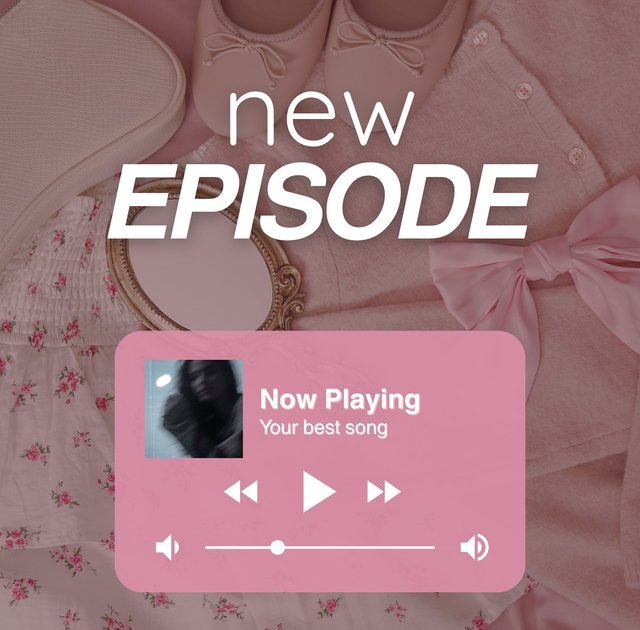
Dropping a new episode? Don’t just post a plain screenshot — make it an event. These 10 aesthetic new episode story templates will help you tease, launch, and celebrate your latest drop with style. I picked these based on what actually gets engagement: sneak peeks that build curiosity, clean title cards that look professional, and interactive templates that turn viewers into listeners. Whether you run a podcast, a web series, or a weekly show, these designs will make your feed look like it belongs on a moodboard.
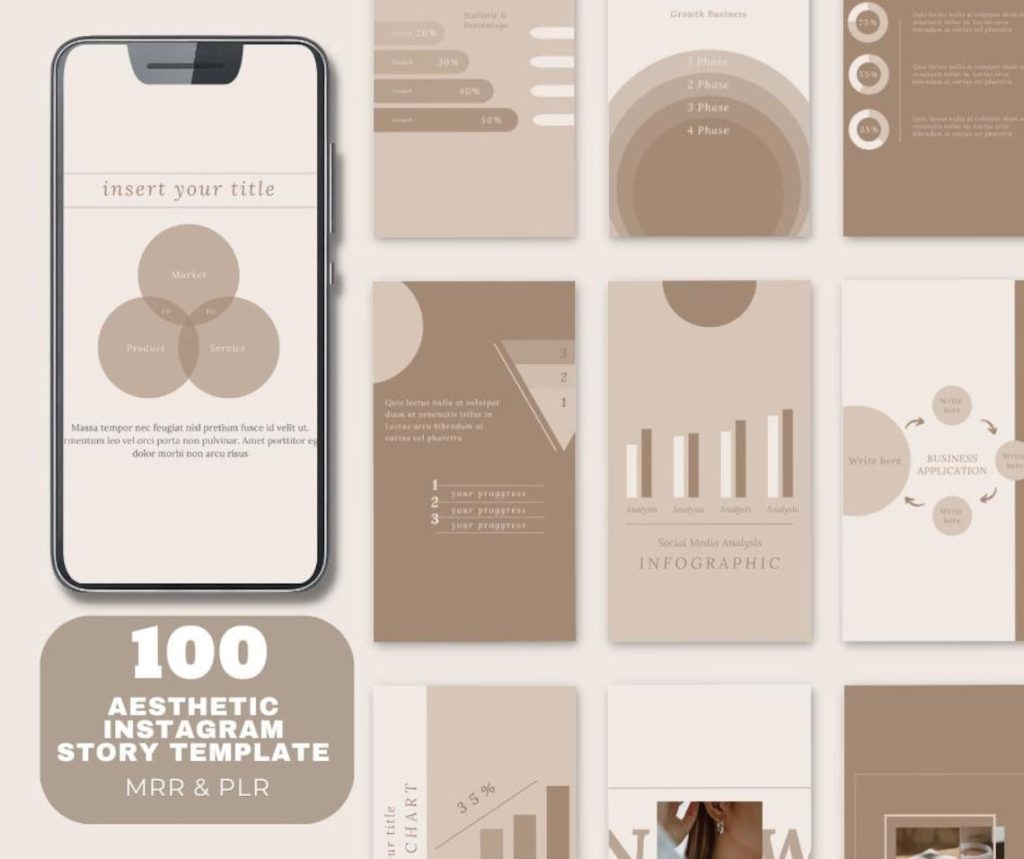
The Sneak Peek Template
Nothing builds hype like a tiny taste of what’s coming. Use this template to drop a 5-second audio clip or a blurred still from the episode. Add a “Coming Soon” banner and a swipe-up link to notify followers. The key is keeping it mysterious — enough to tease but not enough to spoil. Pair it with a countdown sticker if you want extra urgency. This one works especially well with a dark aesthetic instagram story templates vibe if your show has moody undertones.
The Countdown Template
Let your audience count down with you. Design a template that features a bold number (like “3 days” or “T-24h”) over a gradient background. Add a calendar icon and a reminder CTA like “Turn on notifications.” You can post this daily leading up to the release. For a softer look, try a cream aesthetic instagram story template as the base — it feels warm and inviting, perfect for lifestyle or interview shows.
The Episode Title Card Template
Clean, minimal, and professional. This template centers the episode title — maybe with a subtitle like “Season 3, Episode 7” — on a solid background with a small accent graphic. Use your show’s brand colors and fonts for consistency. This is the template you drop the moment the episode goes live. It screams “I’ve got my act together.” If you are a photographer sharing a video series, check out our aesthetic photographer story template for inspiration on framing and typography.
The Quote of the Episode Template
Pull the most quotable line from the episode and make it the star. Use a large, elegant font over a simple background. Add attribution if it’s a guest quote. This template is highly shareable — fans love reposting quotes. It also gives new followers a taste of your content’s value. For a complete set of designs, our aesthetic social media story template collection has several quote-focused layouts that you can adapt.
The Behind the Scenes Template
Show the human side of production. Use a photo of you setting up mics, writing notes, or laughing with a guest. Overlay a transparent frame with a caption like “Peek behind the curtain” and a “New episode out now” call-to-action. This template builds a personal connection with your audience. For a cohesive feed, tie it together with an aesthetic story template for instagram that shares matching color gradients and sticker styles.
The Guest Spotlight Template
If you have a featured guest, give them their own slide. Use a high-quality portrait with their name, title, and a short bio. Add a “New episode” badge in the corner. This not only honors your guest but also taps into their audience when they share it. The layout should be clean and respectful — think magazine cover vibes. For more layout ideas, check out our collection of aesthetic templates for instagram stories.
The Rating & Review Template
After the episode drops, use this template to ask for feedback. Feature a star rating graphic and a text prompt like “Rate this episode and tell us what you think!” Add a link to Apple Podcasts or wherever you host reviews. Keep the design bright and encouraging — maybe a pastel background with fun stickers. This is a great way to boost your rankings and show listeners you care about their opinion.
The Episode Release Schedule Template
For weekly shows, a schedule template is a lifesaver. List upcoming episode dates or themes in a neat grid. Use icons for different topics — a microphone for interviews, a book for deep dives, etc. This helps your audience plan their listening and reduces the dreaded “Is there a new episode?” DMs. Keep the layout consistent with your brand’s look to maintain that aesthetic feed feel.
The Listener Question Template
Tease a clip from the episode where a listener’s question gets answered. Write their name and question in a speech bubble overlay. This is super engaging because it makes your audience feel seen. Plus, it encourages others to submit questions for future episodes. Design it with a playful, conversational tone — think hand-drawn arrows and bold color blocks. It breaks the monotony of traditional announcement posts.
The Cliffhanger Template
End your story with a cliffhanger. Use a screenshot of the episode’s final moment — a surprising fact or an emotional line — with a “Wait, what?!” text overlay. Add a “Listen now” button. This template is pure suspense and drives immediate action. For a dramatic effect, pair it with a black-and-white filter or a vignette. If your show has a moody vibe, the dark aesthetic instagram story templates we’ve designed will complement this perfectly.
And there you have it — 10 aesthetic new episode story templates that’ll make every drop feel like an event. From teasers to thank-yous, these designs cover every stage of the launch cycle. Mix and match them throughout the week to keep your audience hyped. Remember, the goal is to be consistent and visually cohesive — your templates should feel like a family, not a random collection. Now go schedule that next episode announcement with confidence!