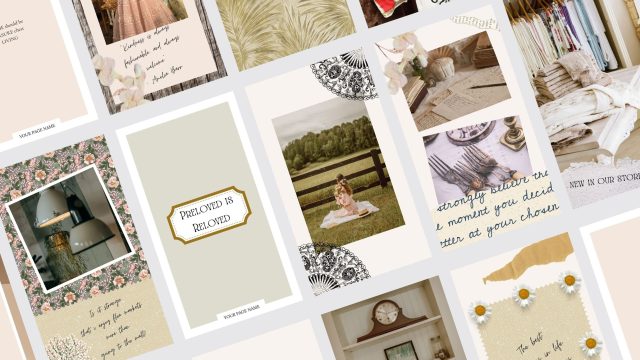
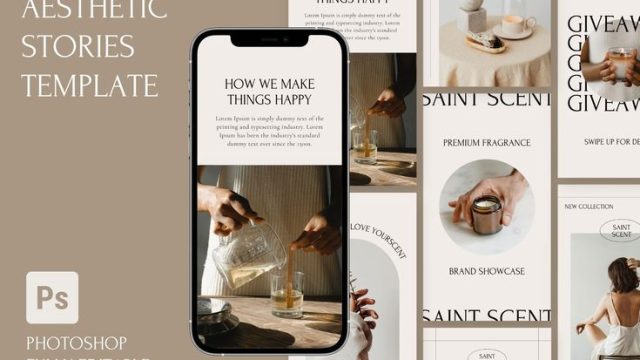
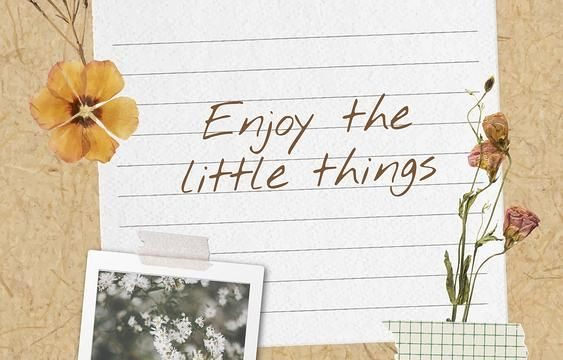
Another year is wrapping up, and you know what that means — it’s time to create the ultimate year recap for your Instagram Stories. Whether you want to look back on milestones, travels, or just the everyday moments that made 2026 special, an aesthetic year recap story template can turn a simple slideshow into a beautiful memory album. I’ve scrolled through hundreds of templates to find the ones that truly capture that nostalgic, curated vibe. From minimalist grids to playful collages, these 10 picks will help you say goodbye to the year in style — without spending hours on design.
Polaroid Year Recap Template
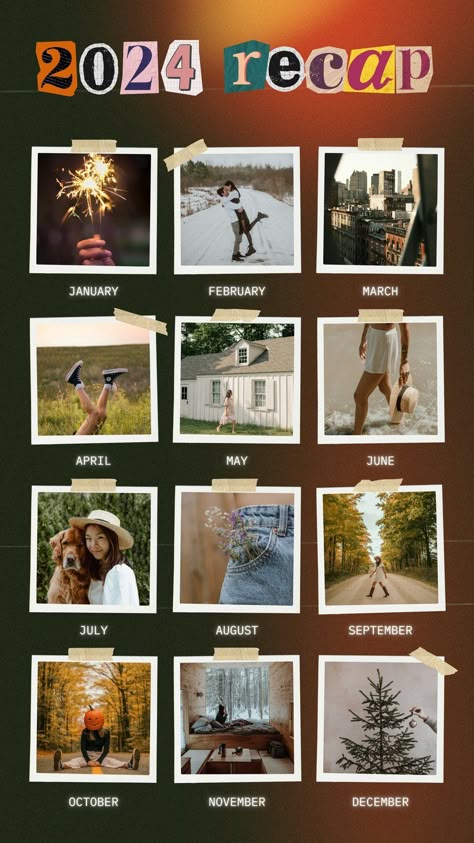
Nothing says “throwback” quite like a polaroid frame. This template features multiple polaroid-style photo slots arranged in a slightly messy, scrapbook-like layout. Each polaroid has a white border and a small caption area underneath where you can write a short memory or date. It’s perfect for showing off 6–8 of your favorite photos from the year in a candid, warm way. Use a muted filter to keep the vintage feel consistent across all slides.
Minimalist List Template
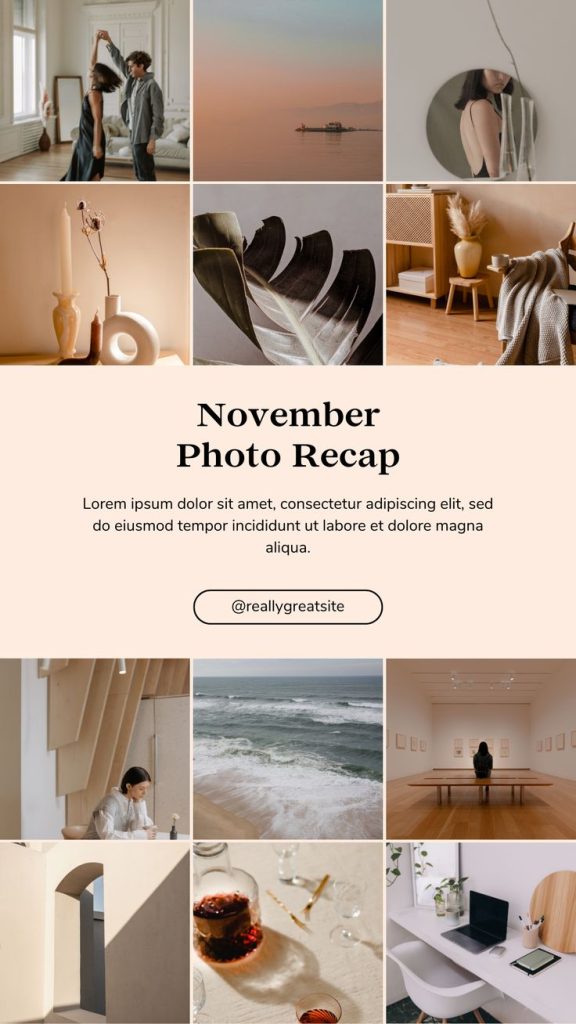
If you prefer clean and simple, a minimalist list template is your best friend. It usually has a plain background with a thin line dividing the screen. On one side, you list your top memories, achievements, or moments from the year in a bullet-point style. Keep the text short — things like “Got promoted,” “Visited Japan,” or “Adopted a cat.” The aesthetic here is all about breathing room and modern typography. Pair it with a soft neutral color like beige or dusty rose.
Collage Square Template
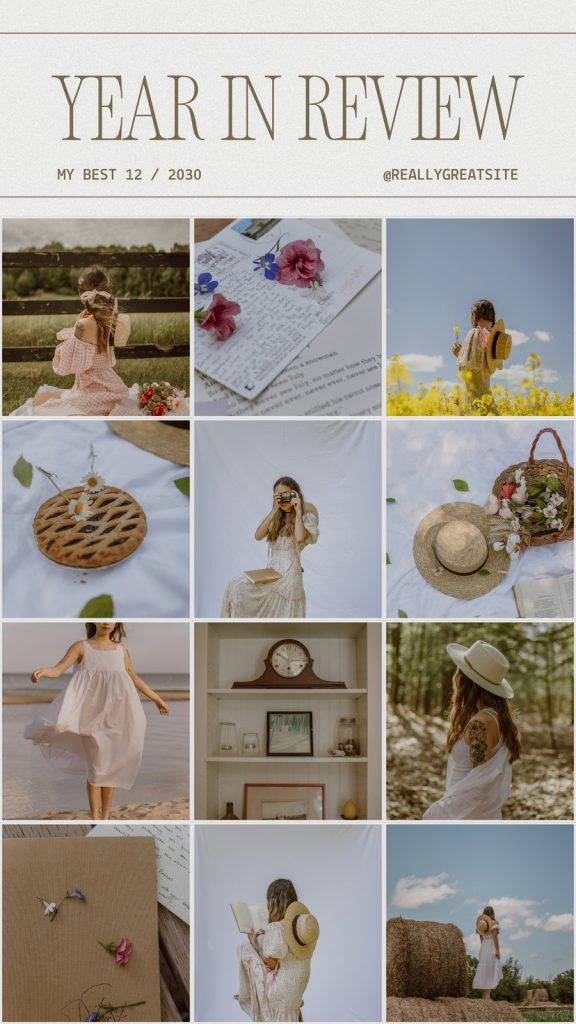
Instagram Stories are vertical, but sometimes you want that classic square collage look. This template uses four or six squares arranged in a grid, each holding a different photo. The squares are separated by thin white or colored borders, giving it a tidy, polished feel. It’s great for grouping similar moments — like all your food pics in one square, travel in another. You can even add small emojis inside each square to represent the category.
Monthly Grid Template

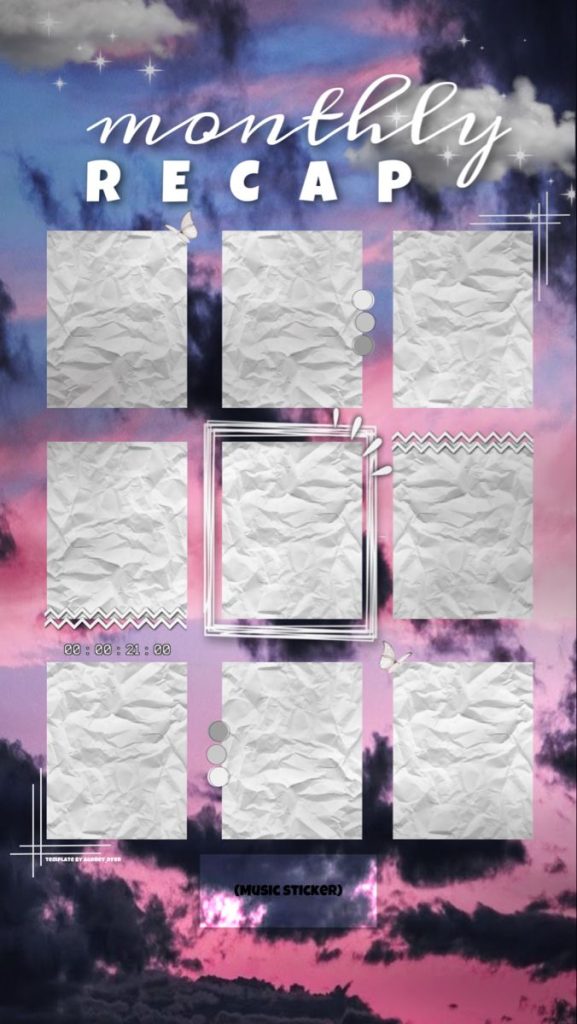
For a truly comprehensive recap, nothing beats a monthly grid. This template divides the story into 12 small rectangles, one for each month of the year. You place a representative photo inside each rectangle — maybe your January snow day, your July beach trip, your October Halloween costume. The grid fills the screen, creating a colorful patchwork of memories. To keep it cohesive, stick to a single color palette or black and white photos.
Timeline Template
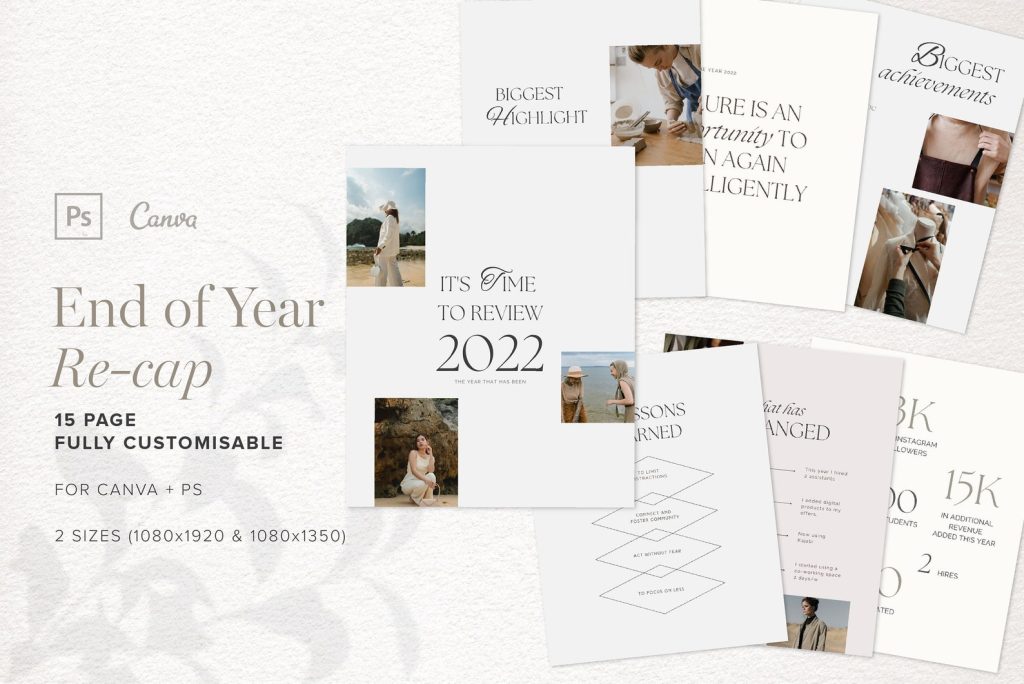
A timeline template tells your year’s story chronologically. It features a horizontal or vertical line with dots marking key dates. Next to each dot, you place a photo or icon and a short label. This works especially well for milestone-heavy years — graduations, weddings, new jobs. The design is clean and editorial, like a magazine spread. Use a serif font for the dates to add a sophisticated touch.
Highlight Reel Template

Why use just photos when you can include short video clips? A highlight reel template has circular or square cutouts where you can drop in 3–5 second clips from throughout the year. The template often comes with an overlay that says “2026 Highlights” in a fun, hand-drawn font. It’s dynamic and engaging — perfect for keeping viewers watching until the end. If you have a consistent aesthetic in your videos (like a specific color grade), it will look even more cohesive.
Letterboard Template
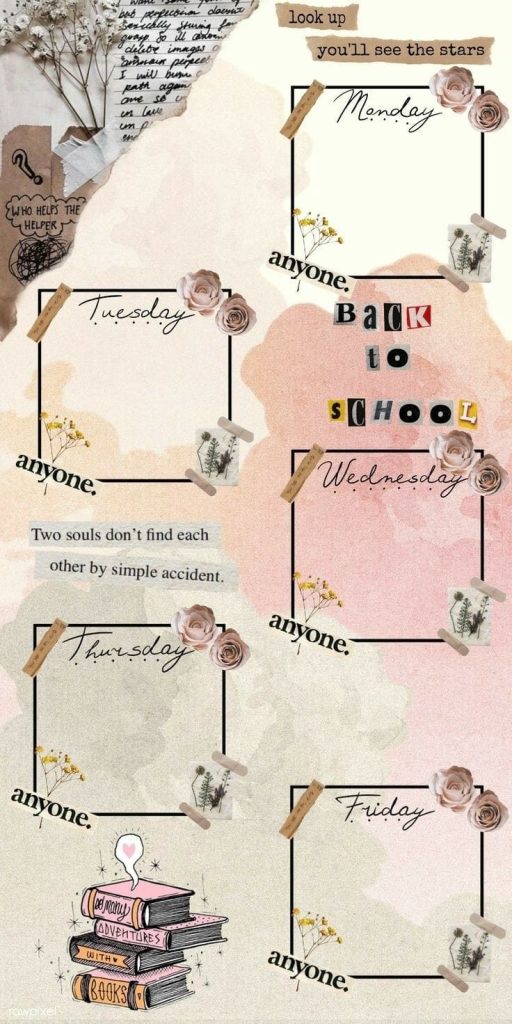
The letterboard trend isn’t going anywhere. This template mimics those black felt boards with white rearrangeable letters. It usually features a dark background with light text spelling out your year’s biggest moments in a scattered layout. You can mix in small icons like stars or hearts. It feels personal and handmade, like you actually pinned the letters yourself. Great for a more whimsical, playful recap.
Calendar Template
A calendar template shows a simplified monthly calendar on each story slide. You highlight certain dates with photos or stickers — for example, a birthday cake on your birthday, a plane icon on travel days. It’s interactive and encourages viewers to swipe through each month. The key is to keep the calendar grid minimal so the photos stand out. Use a soft background color to avoid visual clutter.
Photo Dump Template
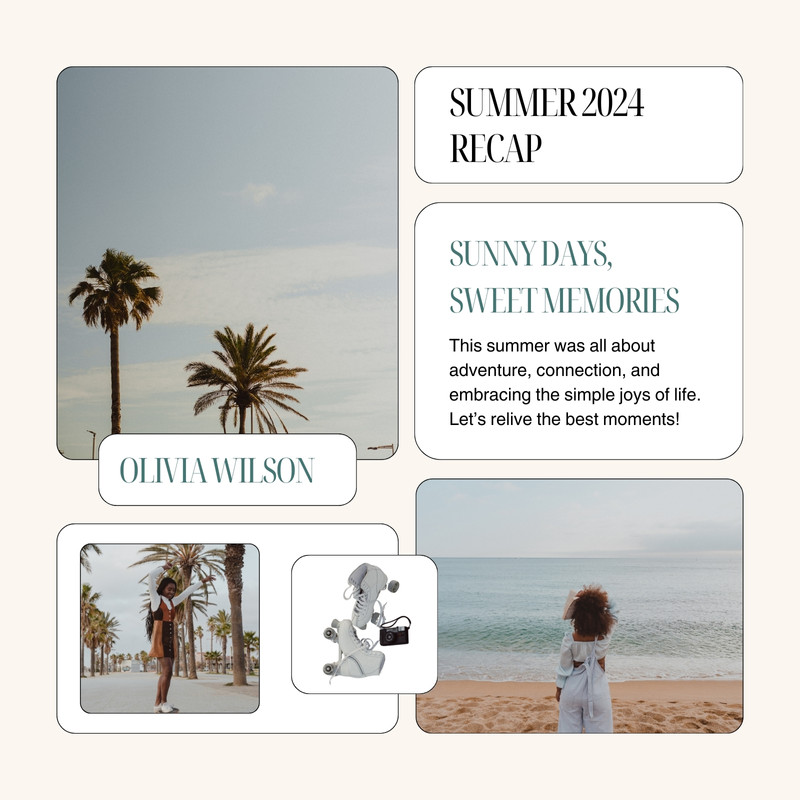
Sometimes the best recap is just a pile of your favorite photos with no particular order. A photo dump template gives you oddly shaped frames — circles, hearts, stars — arranged in a seemingly random but balanced composition. You fill each shape with a photo that represents a vibe or memory. This style is unpretentious and fun. It works best with a lot of photos (around 10–12 per slide) and a consistent filter to tie them together.
Numbered List Template

The classic Top 10 list gets an aesthetic upgrade. This template features large, bold numbers from 1 to 10 (or however many you want) with a photo and a short description beside each number. It’s structured and easy to read. Use it to count down your top trips, biggest lessons, or favorite memories. The aesthetic comes from consistent spacing and a cohesive font pairing. You can even add a progress bar at the top so viewers know how many items are left.
Whether you’re a fan of the cozy polaroid layout or the sleek timeline approach, these 10 aesthetic year recap story templates will help you wrap up your Instagram year beautifully. The best part? You can mix and match them — use a polaroid template for the first slide, then a calendar for the rest. And don’t forget to check out our other aesthetic templates, like the aesthetic shop update story template for business recaps, the aesthetic weekend dump story template for casual vibes, or the aesthetic seasonal story template for themed recaps. If you want to introduce yourself first, an aesthetic about me story template can set the stage. And for more overall inspiration, browse our full collection of aesthetic templates for instagram stories. Oh, and if your year included travel, the aesthetic travel collage story template is a must-see. Happy recapping!