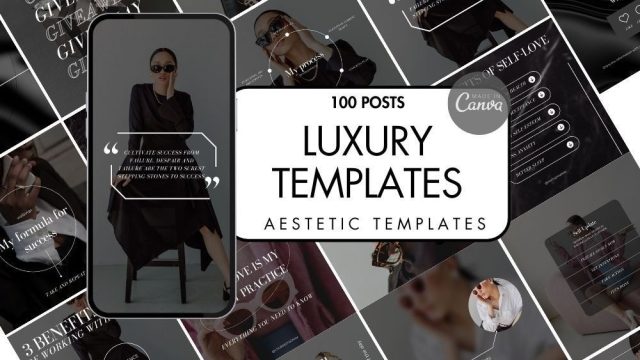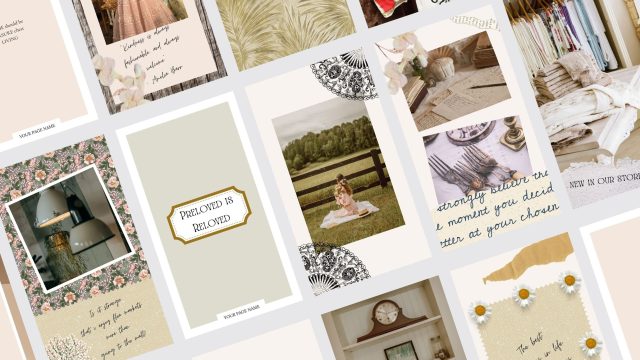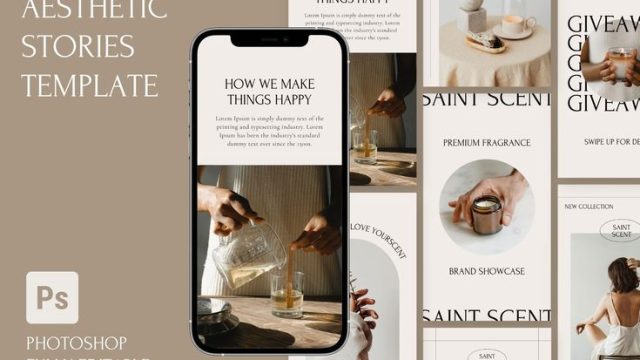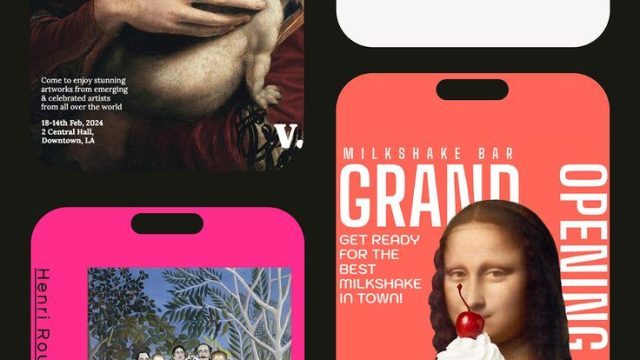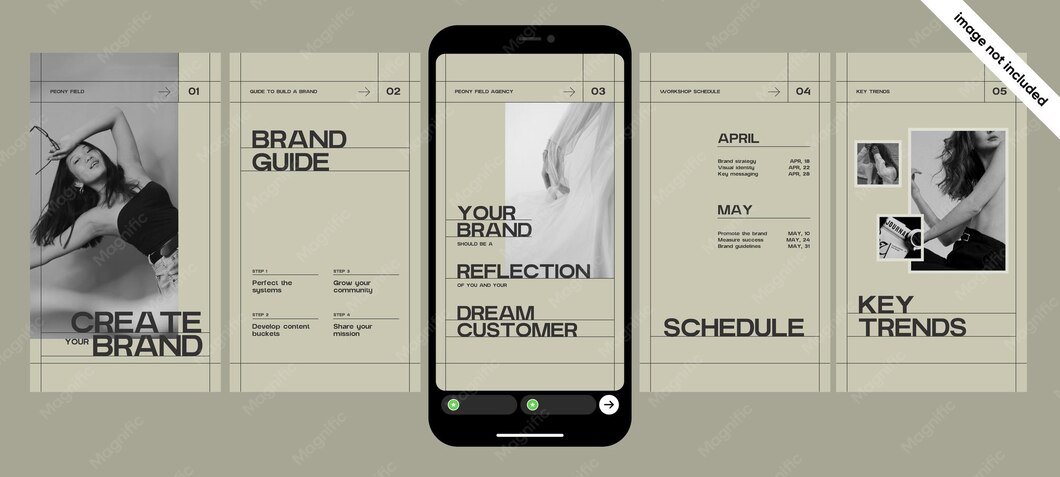
If you’re a designer — graphic, UI, fashion, interior, you name it — your Instagram Stories are a golden opportunity to flaunt your creative chops. But staring at a blank canvas every day? Exhausting. That’s where aesthetic designer story templates come in. They give you a polished head start so you can focus on what you do best: designing. We combed through hundreds of templates to pick the ones that scream ‘creative pro’ without being boring. Each template below earns its spot because it solves a real designer need — portfolio peeks, moodboard collages, color experiments, or process reveals. Ready to level up your story game? Let’s dive in.
1. Portfolio Showcase Template
You’ve got killer work, but a static grid post doesn’t always do it justice. A dedicated portfolio showcase template lets you swipe through your best projects in a clean, magazine-like layout. Think full-bleed images, minimal text overlays for project names, and a subtle gradient that ties everything together. This template is perfect for introducing yourself to new followers or teasing a recent rebrand. Pro tip: Use the same font across all slides to keep it cohesive. If you need more inspiration, check out our broader collection of aesthetic portfolio story template options.

2. Behind-the-Scenes Process Template
People love the ‘how’ behind the ‘wow.’ A behind-the-scenes template breaks down your creative journey into digestible steps — from rough sketches to final renders. Use a split-screen design: one side shows the messy early draft, the other the polished result. Add a playful arrow or progress bar to guide the eye. This template builds trust and shows you’re not just a one-trick pony. Plus, it’s super relatable: every designer has those ‘what was I thinking?’ moments.

3. Moodboard Collage Template
Moodboards are the soul of every design project, and an aesthetic template makes them pop. Arrange textures, color swatches, typography samples, and reference images in a scrapbook-style grid. Add a translucent overlay with a central title like ‘Feeling: Modern Retro’ or ‘Vibes: Coastal Minimal.’ This is a fantastic way to share your inspiration without writing a novel. For more moodboard-specific designs, check out our aesthetic fashion moodboard story templates — they work for any design niche.

4. Color Palette Exploration Template
Color is a designer’s superpower, so why not show off your palette choices? This template features a large central swatch with hex codes and smaller accent colors around it. You can feature one palette per story slide, or create a carousel of your top five combos. Use a soft, neutral background so the colors steal the show. It’s educational, beautiful, and gives your followers a peek into your color theory skills. Pair it with an aesthetic story template for canva to customize easily.

5. Typography Test Template
Font nerds unite. A typography test template lets you showcase different typefaces in a side-by-side comparison. Use headings, body text, and a pull quote to demonstrate hierarchy. Add micro-animations like a gentle fade-in for each font name. This is perfect for when you’re deciding between a serif and sans-serif for a project, or simply want to flex your font library. Your type-obsessed followers will eat it up.

6. Design Challenge Q&A Template
Engagement is the name of the game. A Q&A template with a design twist — like ‘Guess the font’ or ‘Which layout is better?’ — invites your audience to participate. Use large, bold numbers for the question, and a ‘Swipe for answer’ call-to-action. You can also use the ‘Ask Me Anything’ sticker but with a designer-specific prompt: ‘Send me a brief and I’ll sketch something in 30 seconds.’ This template turns passive viewers into active community members.

7. Project Announcement Template
Got a new project dropping? Announcing it with an aesthetic template makes it feel like an event. Use a countdown layout with a blurred background of the project in progress, plus a bold reveal date. Add a ‘Coming Soon’ badge or a subtle sparkle effect. This builds hype without giving everything away. For more celebration vibes, see our aesthetic event announcement story templates.

8. Client Work Testimonial Template
Social proof is powerful. A testimonial template framed like a quote card — clean serif font, a thin border, and a subtle drop shadow — lets you feature rave reviews from clients. Add their name and title, and maybe a tiny logo. You can also do a split design: one side a project thumbnail, the other the quote. This template works wonderful for building credibility and attracting new clients. Keep it short and sweet: one quote per slide.

9. Design Tool Spotlight Template
Designers love learning about new tools. Share your go-to apps, brushes, plugins, or hardware in a template that looks like a product card. Include a mock product photo (or a flat lay of your desk), the tool name, and a brief review. Use a ‘Rate 5 stars’ graphic or a ‘Favorite feature’ bullet list. It’s both useful and personal — your audience gets a peek into your workflow. For more aesthetic goodness, browse our dreamy aesthetic story template collection.

10. Weekly Design Tips Template
Position yourself as a thought leader by sharing bite-sized design wisdom. A tips template uses a clean card layout with a numbered tip, a short explanation, and a ‘Save for later’ call-to-action. For example: ‘Tip 3: Use the 60-30-10 rule for color balance.’ Keep it scannable and visually consistent week after week. Your followers will start looking forward to your tip drops, and you’ll build a loyal audience. Start with an aesthetic intro story template to kick off the series.

There you have it — 10 aesthetic designer story templates that cover everything from portfolio showcases to weekly tips. Each one is designed to make you look professional, creative, and approachable. Mix and match them to create a diverse story lineup that keeps your audience engaged. And remember, the best template is the one you actually use — so pick your favorites, drop them into your preferred editing tool, and start telling your design story today.