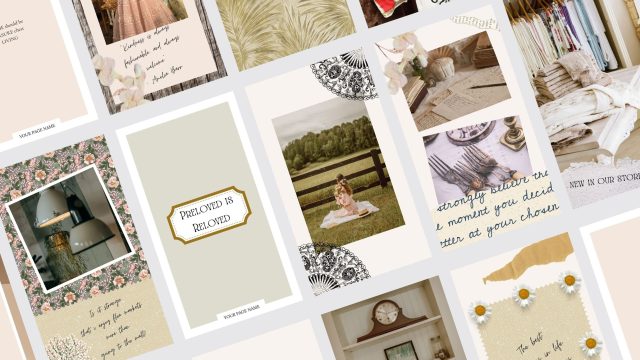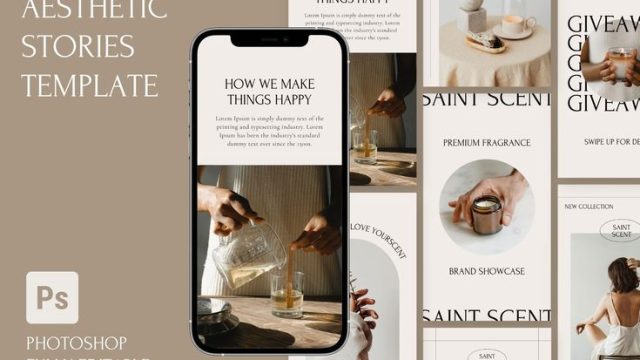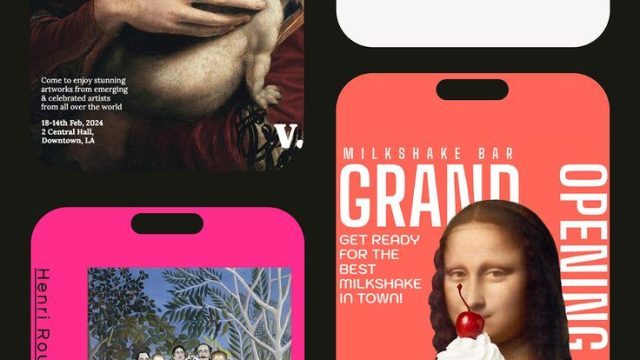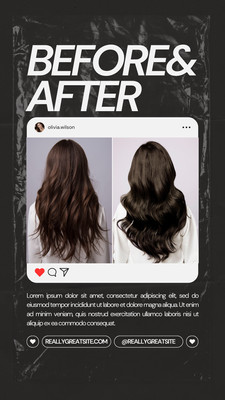
Before and after stories are some of the most engaging content you can post on Instagram. Whether you’re showcasing a fitness journey, a skincare glow-up, a room makeover, or a creative project, the right template makes your transformation look polished and professional. I’ve scoured the web and curated 10 aesthetic before and after story templates that balance clean design with visual impact. Each template earns its spot — no filler, no repetition. Plus, many are editable in Canva so you can customize them to your brand. Let’s dive in.

1. Side-by-Side Split Template
This classic layout puts your before and after images right next to each other, divided by a clean vertical line. It’s perfect for fitness transformations, weight loss progress, or even hair color changes. The minimal margins and subtle shadow effect make the comparison instant and dramatic. Use it with a bold ‘Before’ and ‘After’ label in a sans-serif font for maximum clarity.
2. Sliding Reveal Template
Want to add an interactive vibe? The sliding reveal template uses a horizontal bar that your followers can swipe across to slowly unveil the ‘after’ image. It’s a fun gimmick that keeps viewers engaged. Many apps and Canva templates offer this as a sticker or animation — just upload your two photos and adjust the divider. Pair it with an aesthetic transition story template to make the reveal smooth.
3. Circle Cutout Template
Instead of a straight split, this template uses a large circle on one side showing the ‘before’ inside it, while the rest of the frame displays the ‘after.’ It’s artsy and draws the eye right to the focal point. Great for skincare close-ups or product comparisons. The empty space around the circle is perfect for adding short text like ‘4 weeks later’ or ‘same lighting.’

4. Vertical Stack Template
If your horizontal space feels cramped, stack your images vertically. The ‘before’ sits on top, ‘after’ on the bottom, separated by a thin line or a text banner with the date. This layout works wonders for full-body shots or room makeovers. You can even add a progress bar in the middle to show how far you’ve come. Check out an editable Canva story template aesthetic for quick customization.
5. Grid Collage Template
Sometimes one before and one after isn’t enough. A grid collage that arranges 4–6 images in a 2×3 or 3×2 layout gives you snapshots from different angles or milestones. Label each cell with a week number. This is a favorite among fitness influencers and beauty bloggers. For more ideas, browse our aesthetic picture collage instagram story templates.
6. Polaroid Style Template
Add a nostalgic touch with a Polaroid frame template. Place the ‘before’ photo in a tilted Polaroid on the left and the ‘after’ in another Polaroid on the right. The white borders and handwritten-style font make it feel personal and candid. This template is especially charming for travel transformations or art progression. Pair it with an aesthetic influencer instagram story template for that cohesive feed look.
7. Timeline Strip Template
Show your journey day-by-day or week-by-week with a horizontal timeline strip. Each frame is a thumbnail from a specific moment, and the final frame is the current ‘after.’ This is excellent for 30-day challenges or consistent progress. You can number each frame and add a short caption below. It tells a story, not just a comparison. If you love documenting progress over time, our aesthetic monthly dump story template is a great companion.
8. Half-and-Half Blend Template
Take the side-by-side up a notch by blending the edges where the two images meet. Use a gradient fade or a soft brush so the transition feels organic. This works beautifully for artistic projects or makeup looks where you want to highlight a change in color or shape without harsh lines. Add a subtle border and a quote at the bottom for extra flair.

9. Stats Overlay Template
Numbers speak louder than words. This template places your ‘before’ image on one side and the ‘after’ on the other, but with large transparent numbers (e.g., ‘0’ on before, ’10’ on after) overlaid on each side. You can also include percentage changes or time elapsed in a small caption. Perfect for weight loss, savings goals, or follower growth. Keep it minimal to let the numbers shine.
10. Story Highlights Grid Template
Finally, a template designed to be saved in your highlights. It uses a 2×2 grid with four frames: two for before photos (top row) and two for after photos (bottom row). The center has a title like ‘My Journey.’ The consistent framing makes your highlight cover look intentional. For even more customization, start with an editable aesthetic instagram story template and swap in your own images.
These 10 aesthetic before and after story templates cover everything from simple splits to interactive reveals. Whether you’re a brand, influencer, or just documenting your personal growth, these templates will make your transformation stories stand out. Most are easily customizable in Canva or directly in Instagram, so pick your favorite and start showing off your progress. Remember, the best before and after isn’t just about the change — it’s about how you present it.