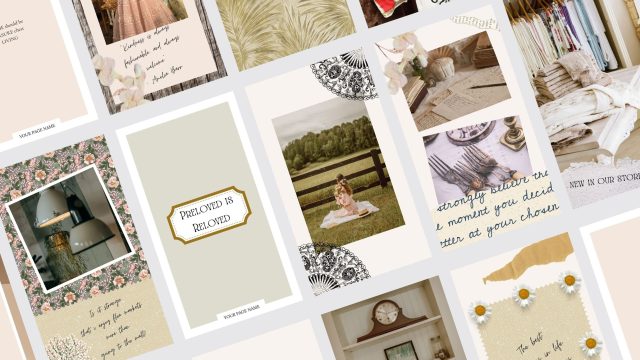
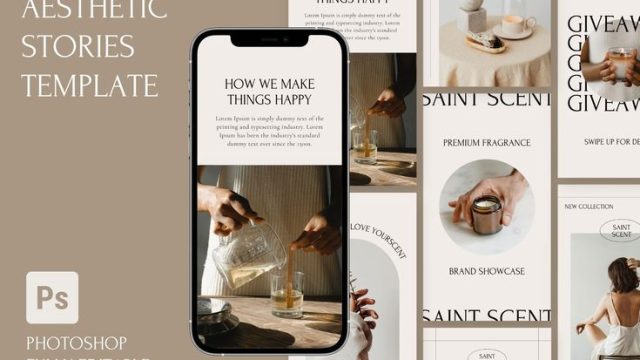
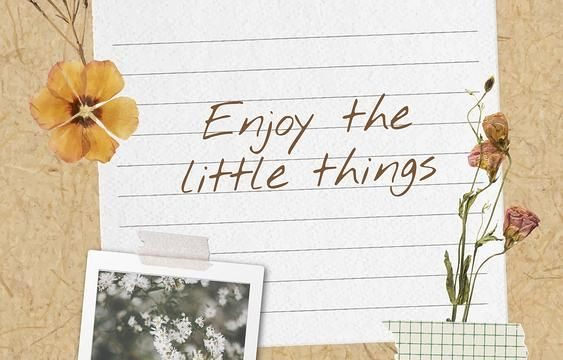
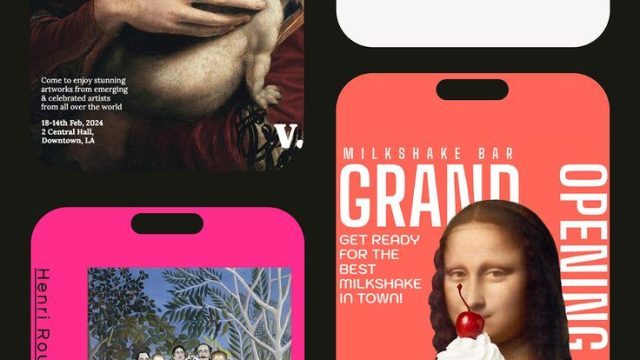
Photo dumps are the ultimate way to share a bunch of moments without overthinking captions. But let’s be real: the raw collage look can get messy. That’s where a good aesthetic photo dump story template comes in — it gives your random snapshots a cohesive, polished vibe. We’ve scouted 10 templates that cover every mood, from clean grids to chaotic scrapbook layers. Whether you’re posting from a trip, a night out, or just your week in review, these layouts make your stories pop. Let’s dive in.
The Grid Layout: Clean and Minimal

Sometimes less really is more. The grid layout splits your story into equal squares, each holding one photo. No overlapping, no frills — just your images in a tidy row. This works best for a series of similar shots, like a sunset progression or outfit details. Pair it with a soft background color and thin white borders for that Pinterest-worthy finish. If you love this structured approach, you’ll also dig our creator templates, which offer even more grid variations for branding.
The Collage Vibe: Layer Your Memories

Want your story to feel like a scrapbook page? Go with a collage template that lets photos overlap at playful angles. Add tape strips, doodles, or text bubbles over the images for extra personality. This style is perfect for casual hangouts, travel recaps, or any moment that deserves a messy, lived-in look. Check out our memories templates for more collage inspiration that keeps your feed feeling spontaneous.
The Polaroid Effect: Instant Classic

Nothing says timeless like Polaroid frames. Each photo appears inside a white border with a slight shadow, mimicking the instant camera aesthetic. You can arrange them in a stack or scatter them across the story. The best part? You don’t need a real Polaroid camera — just drop your digital pics into the template. This style works wonders for nostalgic content, like throwbacks or cozy days at home.
The Scrapbook Style: Mix Photos and Stickers

If you’re a maximalist, the scrapbook template is your playground. It combines photos with stickers, washi tape, handwritten notes, and funky shapes. Each element can be moved around, so no two dumps look alike. Use it for event recaps, mood boards, or just a chaotic mix of your week. For a more organized approach, our planner templates let you schedule these scrapbook-style layouts ahead of time.
The Color-Coded Dump: Organized Chaos

Bring order to your photo dump by grouping images by color. Pick a dominant hue — say, warm tones or pastels — and only include photos that fit. The template might have color-blocked sections or a gradient background that ties everything together. This method turns a random collection into a curated visual story. Perfect for brand feeds or anyone who loves a cohesive aesthetic. For more color-matching ideas, browse our weekend trip templates, which often use seasonal palettes.
The Black and White Edit: Moody Aesthetic

Strip away color for instant drama. A monochrome photo dump feels editorial and timeless. The template can include bold typography, high-contrast frames, or even grunge textures. This works best for portraits, architecture, or any shot with strong shadows. It’s a favorite among photographers, and you’ll find similar vibes in our story template downloads.
The Film Strip: Retro Feel

Channel old-school 35mm film with a template that arranges your photos in a vertical strip. Each image gets a perforated edge and a slight sepia or grain overlay. You can add a caption at the bottom like a film note. This style is ideal for a chronological series — think a day in your life or a mini travel diary. And if you’re tracking multiple days, our goal tracker templates can help you stay consistent.
The Freeform Layout: No Rules

Sometimes you just want to throw everything on the canvas and see what sticks. Freeform templates let you drag and resize photos anywhere, with no grid constraints. Add stickers, text, and drawings to fill the gaps. It’s chaotic but in a deliberate way — perfect for celebrating a random fun day or sharing a bunch of selfies. Pro tip: keep a consistent color palette to avoid looking messy.
The Themed Dump: Cohesive Vibes

Pick a theme — coffee, books, nature, or even a specific color — and let every photo revolve around it. The template can include a title card, matching icons, and a consistent filter. This makes your story feel like a mini editorial. Great for lifestyle bloggers or anyone building a personal brand. Our creator templates offer plenty of themed layouts to get you started.
The Countdown Layout: Build Anticipation

Number your photos like a countdown — 10, 9, 8… all the way to 1. Each number appears next to a different image, building curiosity as followers swipe. This layout is amazing for event recaps, top ten lists, or reveal moments. Pair it with a bold font and a single accent color for maximum impact. For more interactive ideas, check out our goal tracker templates, which also use countdown elements.
There you have it — 10 aesthetic photo dump story templates to level up your Instagram game. Whether you prefer clean grids or chaotic collages, there’s a layout here that’ll make your memories shine. Bookmark this list and experiment with different styles. Your followers will thank you, and your story will never look better. Now go dump those photos in style!